Build together in Studio
Work together in Studio, try Jot proposals before applying them, and keep everyday editing controls close to your page.
Build together in Studio
- See who is in the editor, their selections and their pointers. Follow the small edge arrows to find teammates elsewhere on the page.
- Share live draft edits across browsers, including custom headers and footers. Publishing remains a separate action.
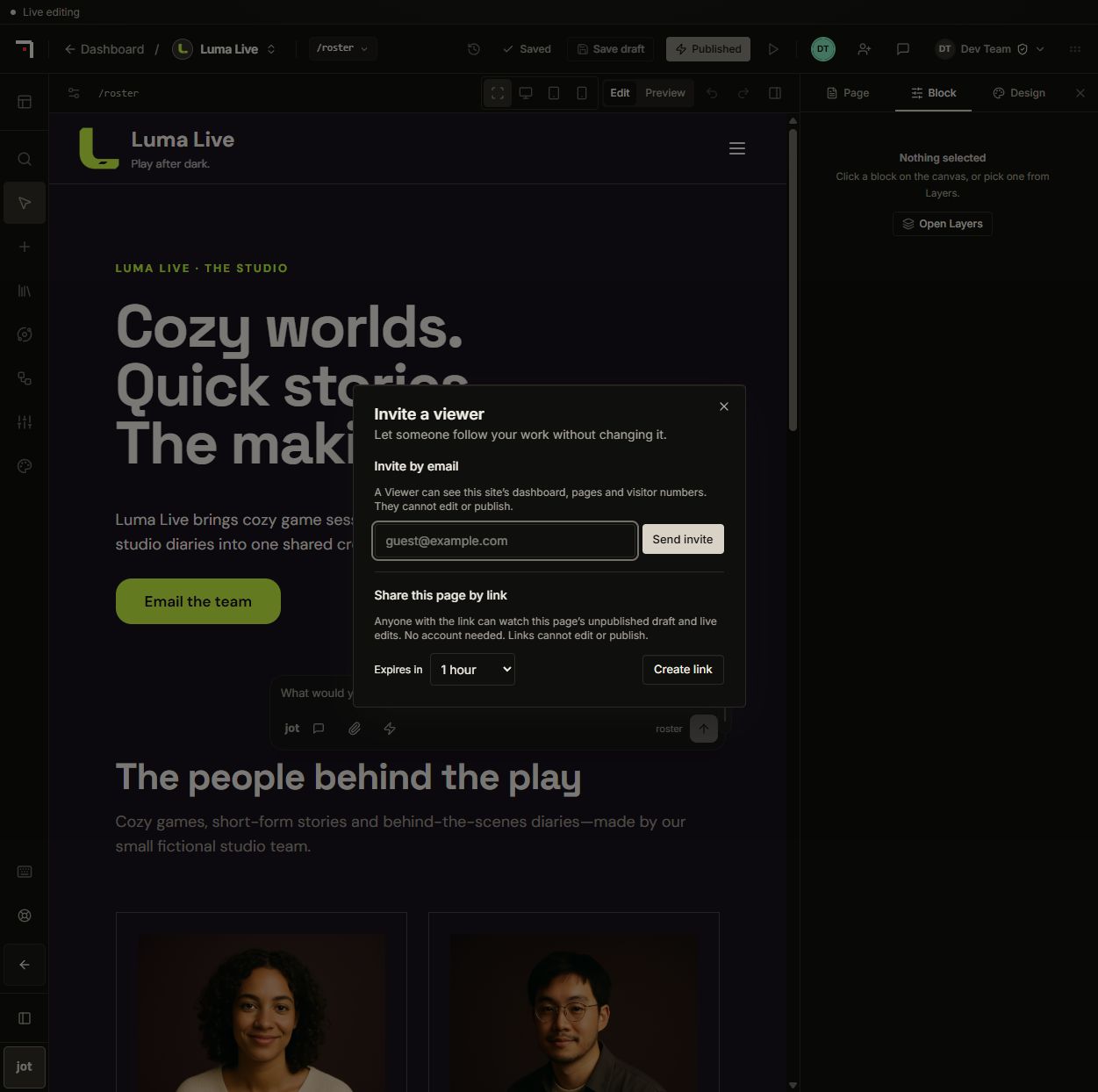
- Invite signed-in viewers or create an expiring, revocable guest link for one page. Guests can highlight blocks, leave comments and try interactive elements without editing the page.
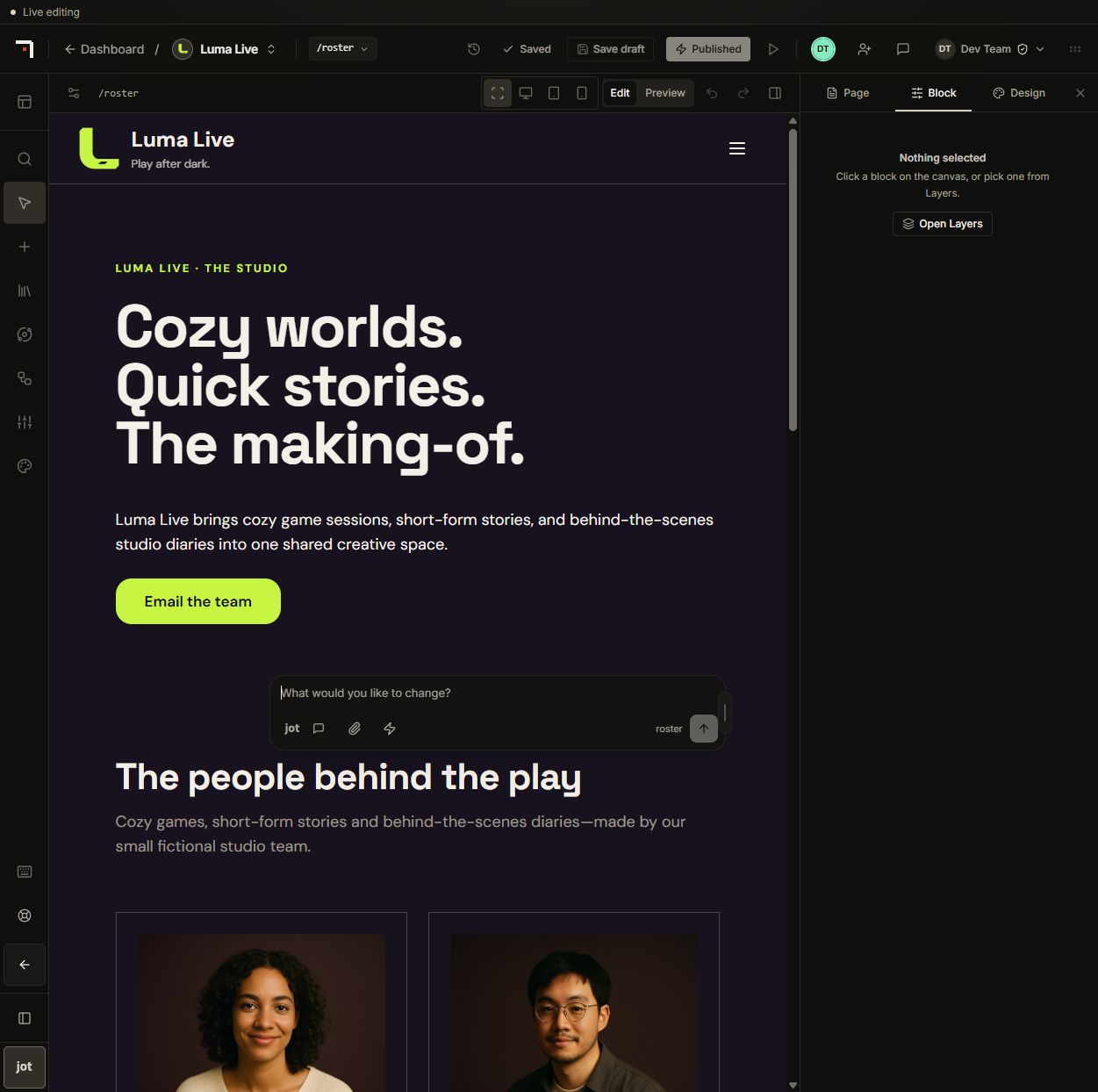
- Edit text directly in desktop simple mode. Resize selected blocks on the canvas with responsive controls and compact measurements.
- Edit FAQ questions and answers in a repeatable list. Build reusable profile and card blocks with editable content, tabs and expandable details.
- Move between headers and footers, select parent containers from breadcrumbs, and reach preview sizes, undo, redo and history from the editor bars.
- New pages join navigation by default when published, with an option to leave them out. Built-in button styles remain editable and follow your theme colors.
A more useful Jot workspace
- Explore a design direction before making changes. Try interactive section previews, including phone layouts, before confirming where a proposal belongs.
- Choose short suggestion chips to fill an editable request. Generated follow-up suggestions use AI credits as part of the reply; choosing a chip does not apply changes.
- Return to conversations with saved context, clearer working indicators and completed-reply times. Reopen a proposal dismissed by mistake.
- Share selected conversations with your site team. Conversations using private account tools stay private.
- Rename conversations, resize the conversation pane, and keep the window where you placed it. Open or hide Jot from the bottom-left corner of desktop Studio.
Everyday improvements
- Upload and frame an account photo for use across nith.
- Return from Studio to the current site's dashboard and resume your authorized workspace after signing in.
- Use PDF and email-draft controls on completed deep audits, with a link back to the saved prospect.
- Follow the illustrated agency playbook from finding a prospect to reviewing and handing over a client site.
- Site setup scrolls correctly, the page picker closes smoothly, and the editor shows a brief loading animation while restoring your layout.